Simplifying Ansible Output with the community.general.unixy Callback Plugin
By Luca Berton · Published 2024-01-01 · Category: installation
Learn how to enhance Ansible playbook readability by using the community.general.unixy callback plugin for cleaner and more concise output.
Introduction
Ansible is a powerful open-source automation tool that simplifies configuration management, application deployment, and task automation. When running Ansible playbooks, the default output can sometimes be overwhelming, especially when dealing with a large number of hosts and tasks. The community.general.unixy callback plugin offers a condensed and readable format for Ansible output, resembling the familiar style of LINUX/UNIX startup logs.
See also: Simplify Ansible Output with the community.general.dense Callback Plugin
Understanding Callback Plugins
Callback plugins in Ansible allow you to customize and enhance the output generated during playbook execution. The community.general.unixy callback plugin is a stdout callback, meaning it alters the standard output format of Ansible when running playbooks.
Configuration Setup
To enable the community.general.unixy callback plugin, you need to make a few configurations in your Ansible setup. In the ansible.cfg file, add the following lines under the [defaults] section:
[defaults]
callbacks_enabled = community.general.unixy
stdout_callback = community.general.unixy
This ensures that the community.general.unixy callback plugin is activated and set as the stdout callback.
See also: Automating PostgreSQL Configuration with Ansible Setting Maximum Connections
Example Playbook
Let's consider a simple Ansible playbook named ping.yml that utilizes the ansible.builtin.ping module to test the connection to all hosts:
---
- name: Ping module Playbook
  hosts: all
  tasks:
    - name: Test connection
      ansible.builtin.ping:
In the provided inventory file (inventory), the connection is set to local:
localhost ansible_connection=localRunning Playbooks Without and With Unixy Callback
Without Unixy:
ansible-playbook -i inventory ping.ymlThe default output might look like this:
PLAY [Ping module Playbook] *****************************************************************

TASK [Gathering Facts] ******************************************************************
[WARNING]: Platform darwin on host localhost is using the discovered Python interpreter
at /opt/homebrew/bin/python3.12, but future installation of another Python interpreter
could change the meaning of that path. See https://docs.ansible.com/ansible-
core/2.16/reference_appendices/interpreter_discovery.html for more information.
ok: [localhost]

TASK [Test connection] ******************************************************************
ok: [localhost]

PLAY RECAP ******************************************************************************
localhost                  : ok=2    changed=0    unreachable=0    failed=0    skipped=0    rescued=0    ignored=0
With Unixy:
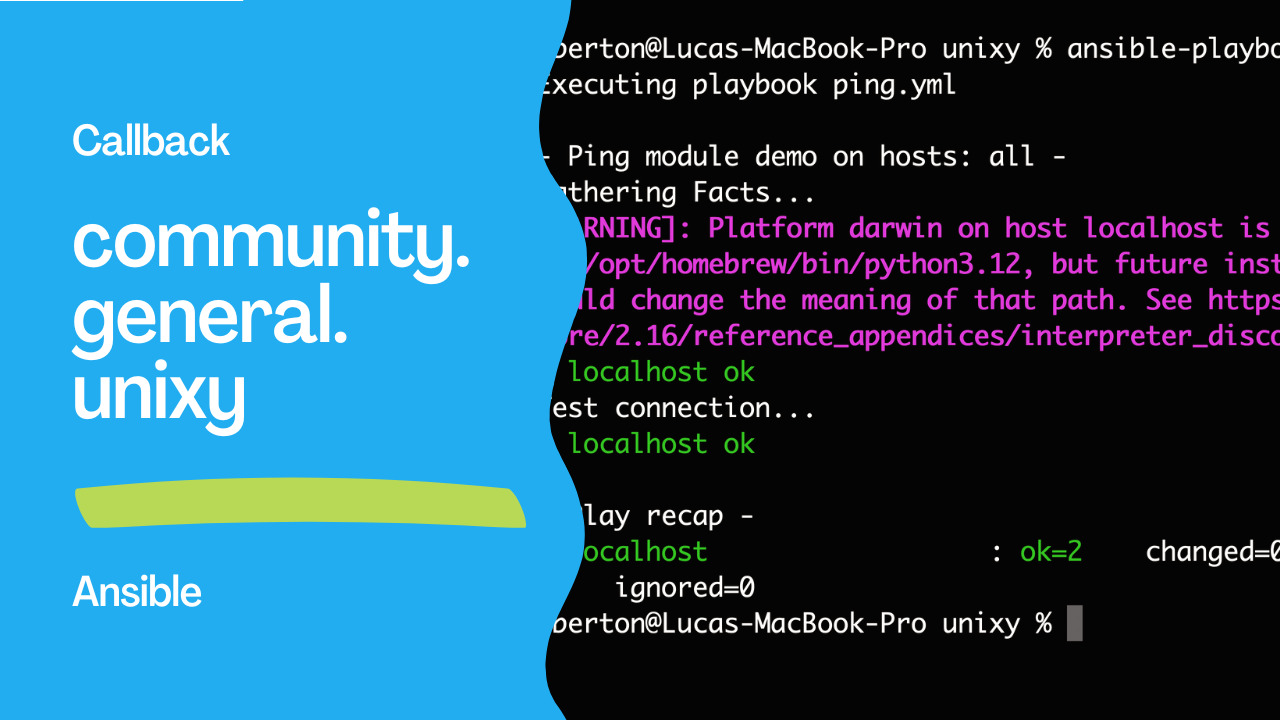
ansible-playbook -i inventory ping.ymlEnabling the Unixy callback plugin results in a more concise and readable output:
Executing playbook ping.yml

- Ping module Playbook on hosts: all -
Gathering Facts...
[WARNING]: Platform darwin on host localhost is using the discovered Python interpreter
at /opt/homebrew/bin/python3.12, but future installation of another Python interpreter
could change the meaning of that path. See https://docs.ansible.com/ansible-
core/2.16/reference_appendices/interpreter_discovery.html for more information.
  localhost ok
Test connection...
  localhost ok

- Play Conclusion -
  localhost                  : ok=2    changed=0    unreachable=0    failed=0    rescued=0    ignored=0
See also: Ansible script Module: Run Local Scripts on Remote Hosts Guide
Conclusion
The community.general.unixy callback plugin provides a streamlined Ansible output, making it easier to interpret and understand the status of your playbooks. By incorporating this plugin into your Ansible configuration, you can enhance the overall readability of your automation tasks, especially in scenarios with numerous hosts and complex playbooks.
Related Articles
Category: installation
Watch the video: Simplifying Ansible Output with the community.general.unixy Callback Plugin — Video Tutorial