Networking Throttle Strategies for Managing 3000 Servers with Ansible
By Luca Berton · Published 2024-01-01 · Category: user-management
Learn how to effectively manage networking throttles and optimize performance when automating tasks across 3000 servers with Ansible, including practical.
Introduction
Managing a large-scale Ansible deployment with 3000 servers can lead to network bottlenecks, extended wait times, and task failures. This challenge becomes even more critical when performing resource-heavy operations, such as Product Lifecycle Management (PLM) upgrades. This article provides practical strategies to implement network throttling and optimize performance in Ansible.
---
See also: Why Memory, Not CPU, Is the Critical Bottleneck in Ansible Automation
Key Networking Challenges
1. Network Saturation
Simultaneously connecting to thousands of servers can overwhelm the network, leading to timeouts and retries.2. Server Hangs
Tasks likeyum updates can hang or fail when network congestion increases.
3. Unpredictable Latency
Variable performance across servers makes achieving consistent task execution difficult.---
Solutions for Networking Throttling
1. Control Parallelism with Forks
Adjust Ansible'sforks setting to control the number of concurrent tasks.
Configuration Example:
# ansible.cfg
[defaults]
forks = 50
2. Batch Processing with serial
Limit the number of hosts being processed simultaneously.
Example Playbook:
- name: Update servers in batches
  hosts: all
  serial: 100
  tasks:
    - name: Perform package updates
      ansible.builtin.yum:
        name: "*"
        state: latest
3. Introduce Pauses Between Batches
Prevent network saturation by adding a delay between task executions.Example Playbook with Pause:
- name: Update servers with a pause
  hosts: all
  serial: 100
  tasks:
    - name: Run package update
      ansible.builtin.yum:
        name: "*"
        state: latest

    - name: Pause before next batch
      ansible.builtin.pause:
        minutes: 1
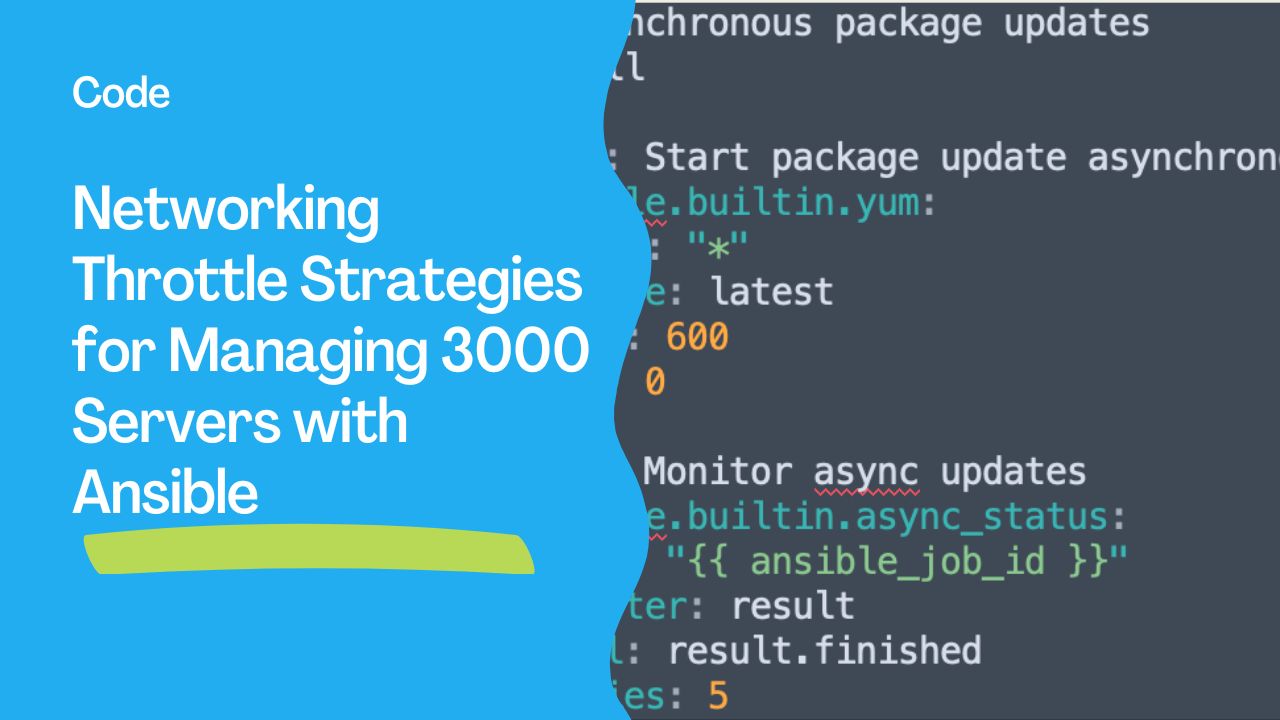
4. Use Asynchronous Tasks
Prevent tasks from hanging by running them asynchronously and polling for results.Async Task Example:
- name: Asynchronous package updates
  hosts: all
  tasks:
    - name: Start package update asynchronously
      ansible.builtin.yum:
        name: "*"
        state: latest
      async: 600
      poll: 0

    - name: Monitor async updates
      ansible.builtin.async_status:
        jid: "{{ ansible_job_id }}"
      register: result
      until: result.finished
      retries: 5
---
See also: Automating PostgreSQL Configuration with Ansible Setting Maximum Connections
Strategies to Enhance Performance
Inventory Optimization
- Use dynamic inventories to include only necessary hosts.
- Split large inventories into smaller logical groups.
Disable Fact Gathering
- Skip fact gathering for tasks that don’t require it using
gather_facts: no.
Optimize Templates and Variables
- Simplify playbooks to minimize memory and processing overhead on the control node.
Increase Resources
- Add more memory and processing power to the Ansible control node.
- Consider multiple control nodes for distributed execution.
Conclusion
Efficiently managing networking throttles and system performance in large-scale Ansible deployments requires a combination of strategic parallelism, resource optimization, and thoughtful playbook design. Implementing these strategies ensures smoother execution of tasks across thousands of servers, even in demanding scenarios like PLM lifecycle upgrades.
See also: Ansible Performance Optimization: Speed Up Playbooks for Large-Scale Environments
Related Articles
Category: user-management