How to install Ansible in Fedora 40 — Ansible install
By Luca Berton · Published 2024-01-01 · Category: installation
Install Ansible on Fedora 40 with this updated 2026 guide. Complete walkthrough using dnf package manager with the latest Ansible version.
Introduction
With Fedora 40 serving as a robust platform for server management, incorporating automation tools like Ansible significantly enhances efficiency and system management capabilities. This guide walks you through the process of installing Ansible on Fedora 40, ensuring you are equipped to automate your system tasks effectively.
See also: How to install Ansible in Fedora 43 — Ansible install
Prerequisites
Before you begin, ensure that you have:
- Access to a Fedora 40 server with root privileges.
- An active internet connection to download necessary packages.
Step-by-Step Installation
- Connect to Your Fedora Server Initiate an SSH connection from your terminal:
ssh devops@fedora.example.comEnter the password when prompted to access your server.
- Switch to Root User For installing system-wide software and performing administrative tasks, switch to the root user:
sudo suEnter your password to continue.
- Update System Packages Before installing any new software, it's a good practice to update your system's package index:
dnf updateConfirm any prompts to ensure your system has the latest updates.
- Check Available Ansible Packages To find out the available Ansible packages, you can list them using DNF:
dnf list ansible
dnf list ansible-core
This is the output:
root@localhost:/home/devops# dnf list ansible
Available Packages
ansible.noarch                            9.4.0-1.fc40                            updates
root@localhost:/home/devops# dnf list ansible-core
Available Packages
ansible-core.noarch                         2.16.5-1.fc40                         updates
root@localhost:/home/devops#
This will show you the latest versions available for installation.
- Install Ansible Using the DNF package manager, install Ansible:
dnf install ansibleThis command installs Ansible along with its dependencies. Confirm the installation when prompted.
root@localhost:/home/devops# dnf install ansible
Dependencies resolved.
=========================================================================================
 Package                     Architecture   Version                 Repository      Size
=========================================================================================
Installing:
 ansible                     noarch         9.4.0-1.fc40            updates         48 M
Installing dependencies:\
 ansible-core                noarch         2.16.5-1.fc40           updates        3.7 M
 fmt                         aarch64        10.2.1-4.fc40           fedora         121 k
 libdnf5                     aarch64        5.1.17-1.fc40           updates        914 k
 python3-cryptography        aarch64        41.0.7-1.fc40           fedora         1.2 M
 python3-jinja2              noarch         3.1.3-3.fc40            fedora         507 k
 python3-markupsafe          aarch64        2.1.3-4.fc40            fedora          30 k
 python3-resolvelib          noarch         1.0.1-4.fc40            fedora          45 k
Installing weak dependencies:\
 python3-libdnf5             aarch64        5.1.17-1.fc40           updates        1.4 M

Transaction Summary
=========================================================================================
Install  9 Packages

Total download size: 56 M
Installed size: 337 M
Is this ok [y/N]: Y- Verify the Installation Once the installation is complete, check the installed version to verify that Ansible is installed correctly:
ansible --versionOutput:
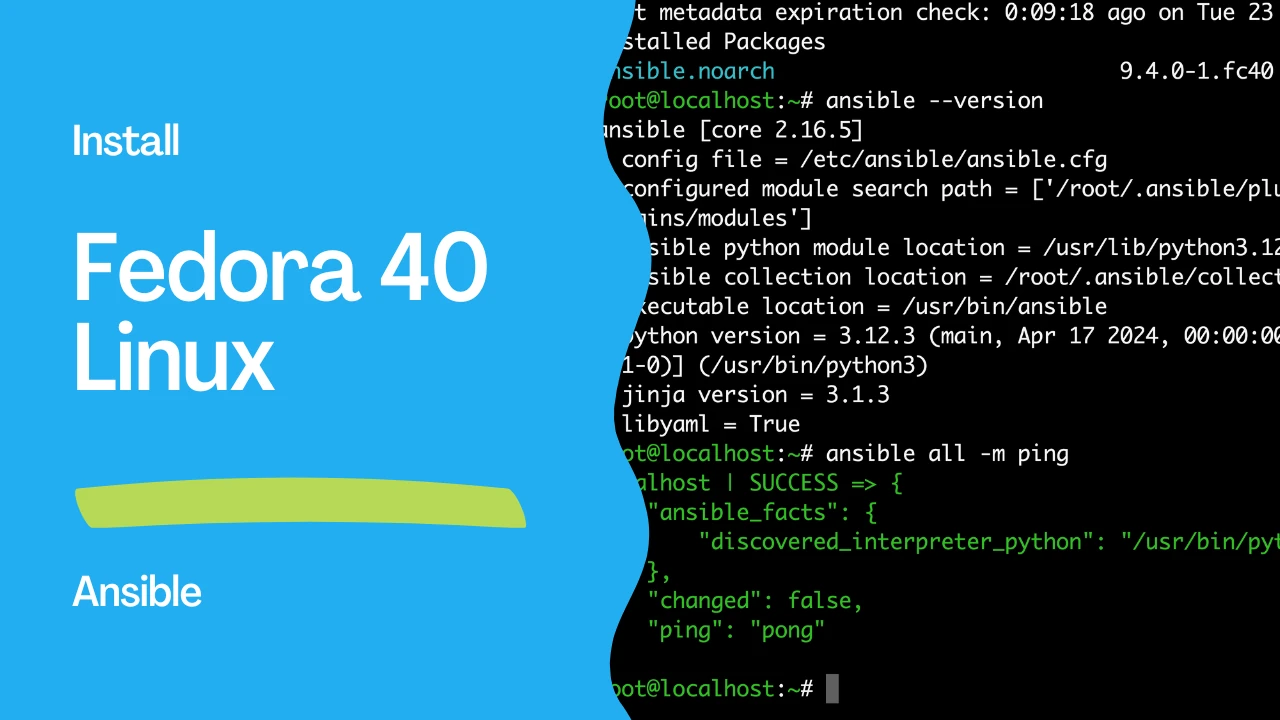
root@localhost:/home/devops# ansible --version
ansible [core 2.16.5]
  config file = /etc/ansible/ansible.cfg
  configured module search path = ['/root/.ansible/plugins/modules', '/usr/share/ansible/plugins/modules']
  ansible python module location = /usr/lib/python3.12/site-packages/ansible
  ansible collection location = /root/.ansible/collections:/usr/share/ansible/collections
  executable location = /usr/bin/ansible
  python version = 3.12.3 (main, Apr 17 2024, 00:00:00) [GCC 14.0.1 20240411 (Red Hat 14.0.1-0)] (/usr/bin/python3)
  jinja version = 3.1.3
  libyaml = True
root@localhost:/home/devops#
This command will display the version of Ansible and other configuration details.
root@localhost:~# dnf list ansible-core
Installed Packages
ansible-core.noarch                        2.16.5-1.fc40                         @updates
root@localhost:~# dnf list ansible
Installed Packages
ansible.noarch                           9.4.0-1.fc40                            @updates
root@localhost:~#
Configuration and First Steps
- Configure Ansible Ansible configurations can be adjusted in the
ansible.cfgfile located in/etc/ansible/. You might want to customize settings like default inventory file, privilege escalation settings, etc. - Edit the Hosts File Ansible uses an inventory file to keep track of the servers it manages:
localhost ansible_connection=localIn this file, you can define the groups of hosts and specify individual servers under these groups.
- Test Ansible Connectivity To ensure that Ansible can communicate with all the hosts defined in the inventory file, use:
ansible all -m ping- This command checks the connection to all hosts using the ping module, and you should receive a "pong" response from the servers that are reachable.
root@localhost:~# ansible all -m ping
localhost | SUCCESS => {
    "ansible_facts": {
        "discovered_interpreter_python": "/usr/bin/python3"
    },
    "changed": false,
    "ping": "pong"
}
See also: How to install Ansible in Debian 13 Trixie — Ansible install
Conclusion
With Ansible installed on your Fedora 40 server, you are now set to automate your operations. Whether it's managing configurations, deploying applications, or automating your daily tasks, Ansible provides the tools necessary to make these processes efficient and error-free. Begin by crafting simple playbooks to familiarize yourself with Ansible's capabilities, and gradually progress to more complex automations as you become more comfortable with the tool.
Remember, the true power of Ansible lies in its simplicity and the vast community-driven library of modules and roles available, which can significantly reduce your script writing efforts and ensure reliable and repeatable system configurations across your network.
Related Articles
- Jinja2 templating in Ansible
- become directives in Ansible
- the Ansible inventory deep-dive
- role variables and defaults in Ansible
See also
Category: installation
Watch the video: How to install Ansible in Fedora 40 — Ansible install — Video Tutorial