Creating an Application Load Balancer with Ansible in AWS
By Luca Berton · Published 2024-01-01 · Category: troubleshooting
Automating AWS Infrastructure with Ansible - Creating an Application Load Balancer in AWS
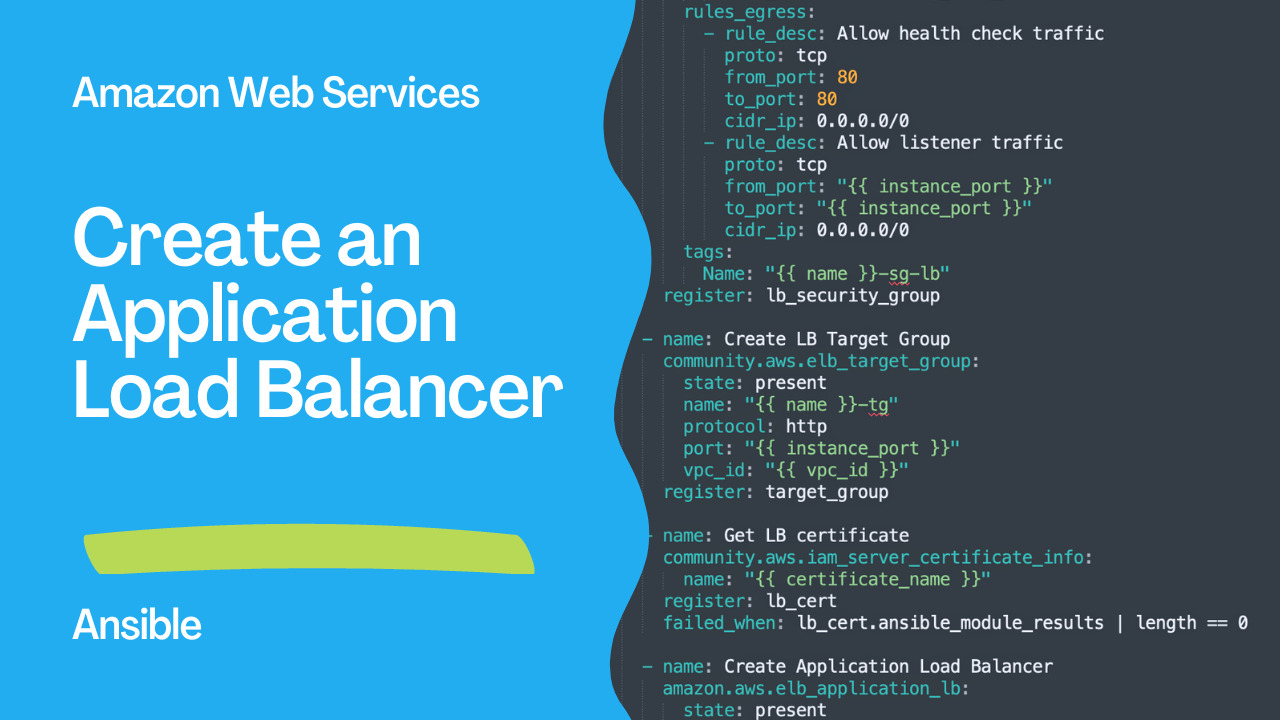
Amazon Application Load Balancer (ALB)
As applications grow in complexity, they require more sophisticated infrastructure to ensure high availability and scalability. One of the key components of such infrastructure is a load balancer, which distributes traffic across multiple instances, improving application performance and reliability.
In Amazon Web Services (AWS), you can create an Application Load Balancer (ALB) to handle traffic distribution for your applications. And if you want to automate the creation of an ALB and its associated resources, you can use Ansible, a popular open-source automation tool.
In this article, we will guide you through the process of creating an ALB using Ansible in AWS.
Prerequisites
Before we dive into the Ansible playbook for creating an ALB, we need to set up a few things in AWS.
- VPC and Subnets
- EC2 instances
- IAM certificate
See also: Ansible AWS EC2: Automate Ubuntu Instance Creation & Data Collection
Links
Demo
This Ansible playbook creates an application load balancer (ALB) in an Amazon Web Services (AWS) environment.
The playbook first creates a security group for the ALB, allowing inbound traffic on the specified listener port (HTTPS on port 443) and egress traffic for health checks and listener traffic.
Next, it creates a target group, which specifies the instances that will receive traffic from the ALB.
Then, it retrieves a certificate from AWS Identity and Access Management (IAM) for HTTPS communication between the client and the ALB.
Finally, it creates the ALB itself, specifying its name, scheme, access logging configuration, subnets, security groups, listeners, and SSL policy.
Overall, this playbook automates the process of creating an ALB and its associated resources in an AWS environment, which can be useful for automating deployment and scaling of applications.
---
- name: Create Aplication Load Balancer
  hosts: all
  vars:
    name: server
    region: eu-west-1
    vpc_id: vpc-12345678
    protocol: HTTPS
    listener_port: 443
    instance_port: 80
    incoming_cidr_ip: 0.0.0.0/0
    certificate_name: "certificate"
  tasks:
    - name: Create LB Security Group
      amazon.aws.ec2_security_group:
        state: present
        name: "{{ name }}_lb_sg"
        description: Security group for LB
        region: "{{ region }}"
        vpc_id: "{{ vpc_id }}"
        purge_rules: yes
        purge_tags: yes
        rules:
          - rule_desc: Allow inbound traffic
            proto: tcp
            from_port: "{{ listener_port }}"
            to_port: "{{ listener_port }}"
            cidr_ip: "{{ incoming_cidr_ip }}"
        rules_egress:
          - rule_desc: Allow health check traffic
            proto: tcp
            from_port: 80
            to_port: 80
            cidr_ip: 0.0.0.0/0
          - rule_desc: Allow listener traffic
            proto: tcp
            from_port: "{{ instance_port }}"
            to_port: "{{ instance_port }}"
            cidr_ip: 0.0.0.0/0
        tags:
          Name: "{{ name }}-sg-lb"
      register: lb_security_group

    - name: Create LB Target Group
      community.aws.elb_target_group:
        state: present
        name: "{{ name }}-tg"
        protocol: http
        port: "{{ instance_port }}"
        vpc_id: "{{ vpc_id }}"
      register: target_group

    - name: Get LB certificate
      community.aws.iam_server_certificate_info:
        name: "{{ certificate_name }}"
      register: lb_cert
      failed_when: lb_cert.ansible_module_results | length == 0

    - name: Create Application Load Balancer
      amazon.aws.elb_application_lb:
        state: present
        name: "{{ name }}-lb"
        scheme: internet-facing
        access_logs_enabled: yes
        access_logs_s3_bucket: "{{ s3_logging_bucket }}"
        access_logs_s3_prefix: "ELBLogs"
        subnets: "{{ subnets }}"
        security_groups:
          - "{{ lb_security_group.group_id }}"
        purge_listeners: yes
        listeners:
          - Protocol: "{{ protocol }}"
            Port: "{{ listener_port }}"
            DefaultActions:
              - Type: forward
                TargetGroupName: "{{ target_group.target_group_name }}"
            Certificates:
              - CertificateArn: "{{ lb_cert.ansible_module_results[certificate_name]
                  .arn }}"
            SslPolicy: ELBSecurityPolicy-TLS13-1-2-2021-06
See also: Getting Started with Amazon EC2 Instances
Conclusion
This Ansible playbook creates an Application Load Balancer (ALB) in AWS. It first creates a security group for the ALB and defines inbound and outbound traffic rules. Then, it creates a target group for the ALB to direct traffic to. Next, it retrieves an SSL certificate for the ALB and finally creates the ALB, specifying the listeners and target group, along with the SSL certificate to be used for secure connections. This playbook is useful for automating the deployment of an ALB in an AWS infrastructure.
Related Articles
Category: troubleshooting