Ansible Read Files: lookup, slurp & fetch Module Guide
By Luca Berton · Published 2024-01-01 · Category: troubleshooting
How to read files with Ansible. Use lookup plugin, slurp module, fetch module, and file content in conditionals with practical examples.
Introduction
Automation is key in modern IT infrastructure management. Ansible, a powerful automation tool, makes it easy to manage complex environments. One of the many tasks you can automate with Ansible is reading content from multiple files. This article will guide you through a simple playbook that reads content from text files within a specified directory and displays the content.
See also: Ansible Development: Write Custom Modules, Plugins & Collections
Understanding the Playbook
The provided playbook is designed to run on the local host and performs the following tasks:
- List all text files in the specified directory and its subdirectories.
- Read the content from each text file.
- Display the content of the files.
Listing Files in a Directory
First, we use the ansible.builtin.find module to list all text files in the specified directory (/path/to/your/directory). The recurse: yes option ensures that the search includes subdirectories.
- name: List files in directory
  ansible.builtin.find:
    paths: "/path/to/your/directory"
    recurse: yes
    patterns: "*.txt"
  register: files_list
The results are stored in a variable called files_list.
Reading Content from Each File
Next, we initialize an empty list to store the file contents using ansible.builtin.set_fact.
- name: Read content from each file
  ansible.builtin.set_fact:
    file_contents: []
We then use a loop to iterate over each file in files_list.files. The ansible.builtin.slurp module reads the content of each file and stores it in the slurped_files variable. The loop_control ensures we use a custom loop variable item_info.
    - name: Read content from each file
      ansible.builtin.slurp:
        src: "{{ item.path }}"
      loop: "{{ files_list.files }}"
      register: slurped_files
      loop_control:
        loop_var: item

    - name: Set fact for file contents
      ansible.builtin.set_fact:
        file_contents: "{{ slurped_files.results | map(attribute='content') | map('b64decode') | list }}"
Displaying File Contents
Finally, we display the content of the files using the ansible.builtin.debug module.
- name: Display file contents
  ansible.builtin.debug:
    var: file_contents
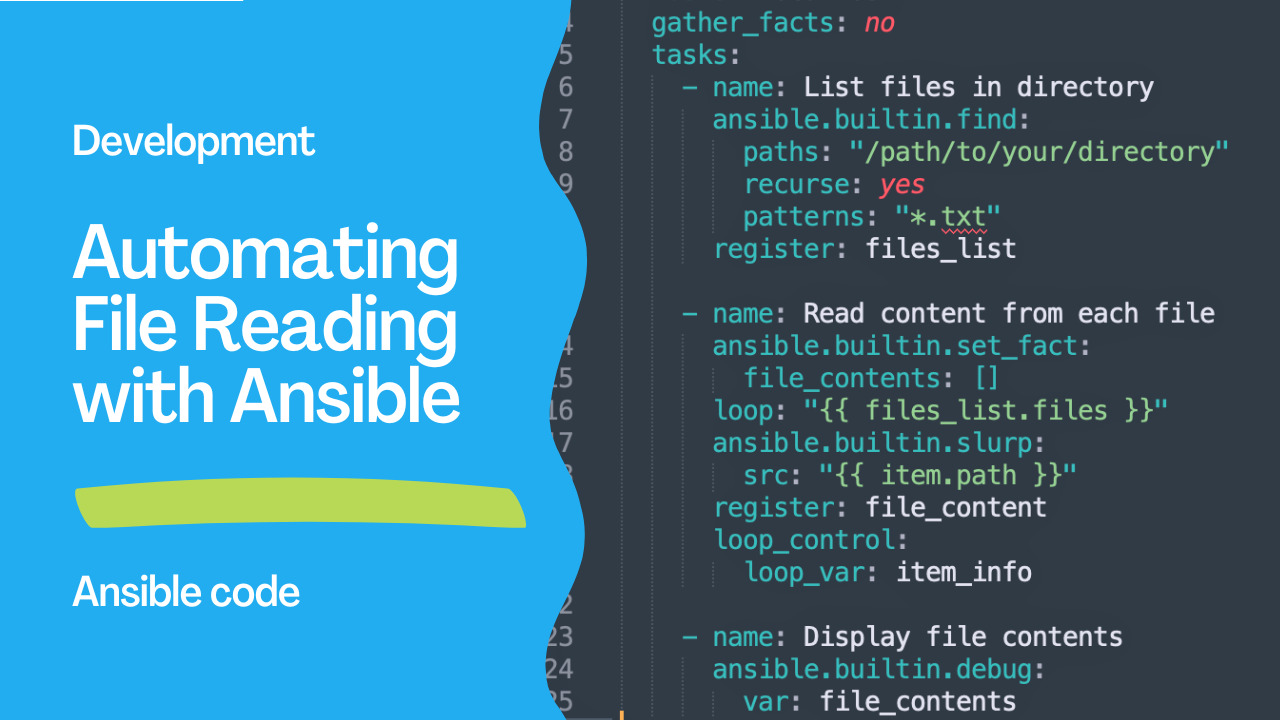
Complete Playbook
Here's the complete playbook for reference:
---
- name: Read content from multiple files
  hosts: localhost
  gather_facts: no
  tasks:
    - name: List files in directory
      ansible.builtin.find:
        paths: "/path/to/your/directory"
        recurse: yes
        patterns: "*.txt"
      register: files_list

    - name: Read content from each file
      ansible.builtin.slurp:
        src: "{{ item.path }}"
      loop: "{{ files_list.files }}"
      register: slurped_files
      loop_control:
        loop_var: item

    - name: Set fact for file contents
      ansible.builtin.set_fact:
        file_contents: "{{ slurped_files.results | map(attribute='content') | map('b64decode') | list }}"

    - name: Display file contents
      ansible.builtin.debug:
        var: file_contents
See also: Ansible Automation: Complete Guide to IT Automation with Playbook Examples
Conclusion
Automating file reading tasks with Ansible can save time and reduce errors in managing large numbers of files. By using the ansible.builtin.find and ansible.builtin.slurp modules, you can easily list and read files, respectively. This playbook serves as a basic template that you can expand upon to suit more complex needs, such as processing file contents or integrating with other automation workflows.
Read Local File (Controller)
# lookup reads files on the Ansible controller
- debug:
    msg: "{{ lookup('file', '/etc/hostname') }}"

- set_fact:
    ssh_key: "{{ lookup('file', '~/.ssh/id_rsa.pub') }}"
See also: Ansible troubleshooting - Error sanity
Read Remote File (slurp)
# slurp reads files on remote hosts (base64 encoded)
- name: Read remote config
  ansible.builtin.slurp:
    src: /etc/myapp/config.yml
  register: config_raw

- set_fact:
    config: "{{ config_raw.content | b64decode }}"

- debug: msg="{{ config }}"
Fetch Remote File to Controller
- name: Download remote file
  ansible.builtin.fetch:
    src: /var/log/myapp/app.log
    dest: ./logs/{{ inventory_hostname }}/
    flat: true
Read and Parse JSON
# Local JSON
- set_fact:
    data: "{{ lookup('file', 'config.json') | from_json }}"
- debug: msg="{{ data.database.host }}"

# Remote JSON
- slurp:
    src: /opt/myapp/config.json
  register: raw
- set_fact:
    config: "{{ raw.content | b64decode | from_json }}"
Read and Parse YAML
- set_fact:
    config: "{{ lookup('file', 'app-config.yml') | from_yaml }}"
- debug: msg="{{ config.server.port }}"
Read File Lines
# As a list of lines
- set_fact:
    hosts_lines: "{{ lookup('file', '/etc/hosts').splitlines() }}"

# Process each line
- debug: msg="{{ item }}"
  loop: "{{ lookup('file', 'servers.txt').splitlines() }}"
Read with File Glob
# Read multiple files matching pattern
- debug:
    msg: "{{ lookup('file', item) }}"
  loop: "{{ lookup('fileglob', 'configs/*.yml', wantlist=True) }}"
Check File Before Reading
- name: Check if file exists
  ansible.builtin.stat:
    path: /etc/myapp/config.yml
  register: config_file

- name: Read if exists
  ansible.builtin.slurp:
    src: /etc/myapp/config.yml
  register: config_raw
  when: config_file.stat.exists

- set_fact:
    config: "{{ (config_raw.content | b64decode) if config_file.stat.exists else '{}' }}"
Read CSV File
- set_fact:
    users: "{{ lookup('file', 'users.csv').splitlines()[1:] | map('split', ',') | list }}"

# Or with csvfile lookup
- debug:
    msg: "{{ lookup('csvfile', 'alice file=users.csv delimiter=, col=1') }}"
Read INI File
- debug:
    msg: "{{ lookup('ini', 'port section=database file=config.ini') }}"
Comparison
| Method | Location | Encoding | Use Case |
|---|---|---|---|
lookup('file') | Controller | Plain text | Read local files |
slurp | Remote | Base64 | Read remote files |
fetch | Remote → Local | Binary | Download files |
command: cat | Remote | stdout | Quick reads |
FAQ
Why is slurp output base64?
To safely transfer binary/special characters. Always decode: content | b64decode
Can I read binary files?
Use slurp + b64decode or fetch to copy to controller. lookup('file') is text-only.
How do I read a large file?
slurp loads the entire file into memory. For large files, use command: head -n 100 /path/file or fetch to download.
Read Local File (lookup)
# Read file on the Ansible controller
- debug:
    msg: "{{ lookup('file', '/etc/hostname') }}"

- set_fact:
    ssh_public_key: "{{ lookup('file', '~/.ssh/id_rsa.pub') }}"
Read Remote File (slurp)
# Read file on the managed node
- ansible.builtin.slurp:
    src: /etc/myapp/config.json
  register: config_raw

- set_fact:
    config: "{{ config_raw.content | b64decode | from_json }}"

- debug:
    msg: "App version: {{ config.version }}"
Fetch Remote File
# Download remote file to controller
- ansible.builtin.fetch:
    src: /var/log/myapp/app.log
    dest: /tmp/logs/{{ inventory_hostname }}/
    flat: true
  # Saves to /tmp/logs/web1/app.log
Read and Use in Template
# Read a file and use its contents
- slurp:
    src: /etc/ssl/certs/myapp.crt
  register: ssl_cert

- template:
    src: haproxy.cfg.j2
    dest: /etc/haproxy/haproxy.cfg
  vars:
    certificate_content: "{{ ssl_cert.content | b64decode }}"
Read Lines into List
- slurp:
    src: /etc/myapp/allowed-hosts.txt
  register: hosts_file

- set_fact:
    allowed_hosts: "{{ (hosts_file.content | b64decode).splitlines() }}"

- debug:
    msg: "{{ allowed_hosts | length }} hosts allowed"
Read JSON File
# Local JSON
- set_fact:
    data: "{{ lookup('file', 'data/config.json') | from_json }}"

# Remote JSON
- slurp: { src: /etc/myapp/config.json }
  register: raw

- set_fact:
    config: "{{ raw.content | b64decode | from_json }}"

- debug:
    msg: "DB host: {{ config.database.host }}"
Read YAML File
# Local YAML
- set_fact:
    settings: "{{ lookup('file', 'vars/settings.yml') | from_yaml }}"

# Or use include_vars (preferred for YAML)
- include_vars:
    file: settings.yml
    name: settings
Read with Conditionals
- slurp:
    src: /opt/myapp/.version
  register: version_file
  ignore_errors: true

- set_fact:
    current_version: "{{ (version_file.content | b64decode | trim) if version_file is success else 'none' }}"

- debug:
    msg: "Upgrade needed: {{ current_version }} → {{ target_version }}"
  when: current_version != target_version
Read Directory Contents
- find:
    paths: /etc/myapp/conf.d
    patterns: "*.conf"
  register: config_files

- slurp:
    src: "{{ item.path }}"
  loop: "{{ config_files.files }}"
  register: configs

- debug:
    msg: "{{ item.item.path }}: {{ item.content | b64decode | length }} bytes"
  loop: "{{ configs.results }}"
FAQ
lookup vs slurp?
lookup('file') reads from the controller. slurp reads from the managed node. Use lookup for local files, slurp for remote.
Why is slurp content base64 encoded?
To safely transfer binary content over JSON. Always pipe through b64decode.
How to read large files?
slurp loads the entire file into memory. For large files, use command: cat or fetch to download first, or use lineinfile/replace to process in place.
Related Articles
Category: troubleshooting
Watch the video: Ansible Read Files: lookup, slurp & fetch Module Guide — Video Tutorial